
Best Animation Software in 2026: 13 Tools for Beginners, 2D, 3D & Motion Graphics
Animation software has changed dramatically in the last few years. You no longer need a high-end animation studio or years of technical experience to create animated videos, motion graphics, character animations, or even 3D scenes.
The challenge is choosing the right software.
Some programs are designed for professional 3D animation, while others focus on 2D animation, motion graphics, video editing, or quick social media content. There are also animation apps for iPad and Android that let beginners create animations without sitting at a desktop computer.
In this guide, we reviewed and compared some of the best animation software in 2026, focusing on ease of use, animation capabilities, video editing features, supported platforms, learning curve, and overall value.
Whether you’re searching for the best 3D animation software 2026, an easy program for beginners, a motion graphics tool, or an animation app for iPad, you’ll find options worth considering below.
Quick Answer: What Is the Best Animation Software in 2026?
There isn’t one animation program that’s ideal for everyone.
For professional 3D work, Blender is one of the most capable options and is available for free. For professional 2D animation, Toon Boom Harmony is widely used for traditional and digital animation workflows. Adobe After Effects is particularly useful for motion graphics and visual effects, while Adobe Animate is designed around 2D animation.
For beginners who want a simpler workflow, tools such as Canva, Vyond, and Animaker can be easier starting points.
Your best choice depends on what you want to create.
| Software | Best For | Platform | Beginner-Friendly |
| Blender | 3D animation | Windows, Mac, Linux | Moderate |
| Adobe After Effects | Motion graphics | Windows, Mac | Moderate |
| Adobe Animate | 2D animation | Windows, Mac | Moderate |
| Toon Boom Harmony | Professional 2D animation | Windows, Mac | Advanced |
| Autodesk Maya | Professional 3D animation | Windows, Mac, Linux | Advanced |
| Cinema 4D | 3D and motion graphics | Windows, Mac | Moderate |
| Canva | Simple animated content | Web, mobile | Very easy |
| Vyond | Animated business videos | Web | Very easy |
| Animaker | Beginner animation creation | Web | Easy |
| Procreate Dreams | iPad animation | iPad | Easy |
| FlipaClip | Mobile 2D animation | iOS, Android | Easy |
| Moho | 2D character animation | Windows, Mac | Moderate |
| DaVinci Resolve | Video editing + animation effects | Windows, Mac, Linux | Moderate |
Our Picks for the Best Animation Software in 2026
1. Blender — Best Free 3D Animation Software
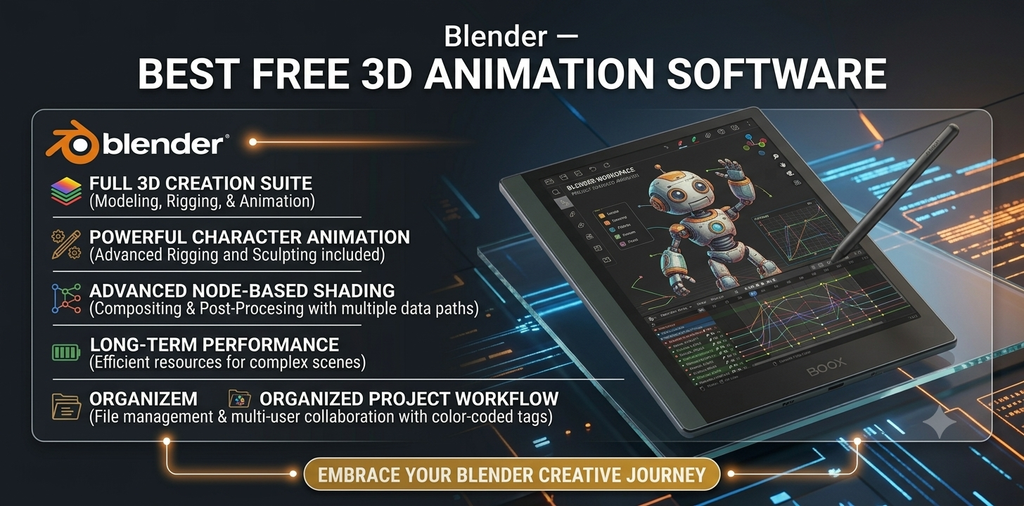
If you’re specifically searching for 3D animation software that’s free, Blender should be near the top of your list.
Blender is an open-source 3D creation suite that combines modeling, rigging, animation, simulation, rendering, compositing, and video editing in one application.
That makes it much more than a basic animation maker.
You can use Blender to create animated characters, machinery, environments, product visualizations, visual effects, and complete 3D scenes.
Why We Like Blender
- Free and open source
- Powerful 3D animation tools
- Character rigging and animation
- 3D modeling
- Rendering
- Simulation
- Motion tracking
- Compositing
- Basic video editing
- Large community and extensive learning resources
What Could Be Better
Blender has a substantial learning curve. A beginner can certainly learn it, but it isn’t necessarily the easiest animation software for beginners.
If you’ve never worked with 3D software before, expect to spend some time learning the interface, modeling workflow, materials, lighting, cameras, and animation system.
Best For
3D artists, students, indie creators, game developers, and users looking for powerful free animation software.
Affiliate angle: Blender itself is free, so it isn’t the traditional software affiliate product. However, Blender users often need compatible computers, graphics cards, monitors, drawing tablets, courses, and asset libraries.
2. Adobe After Effects — Best Motion Graphics Software
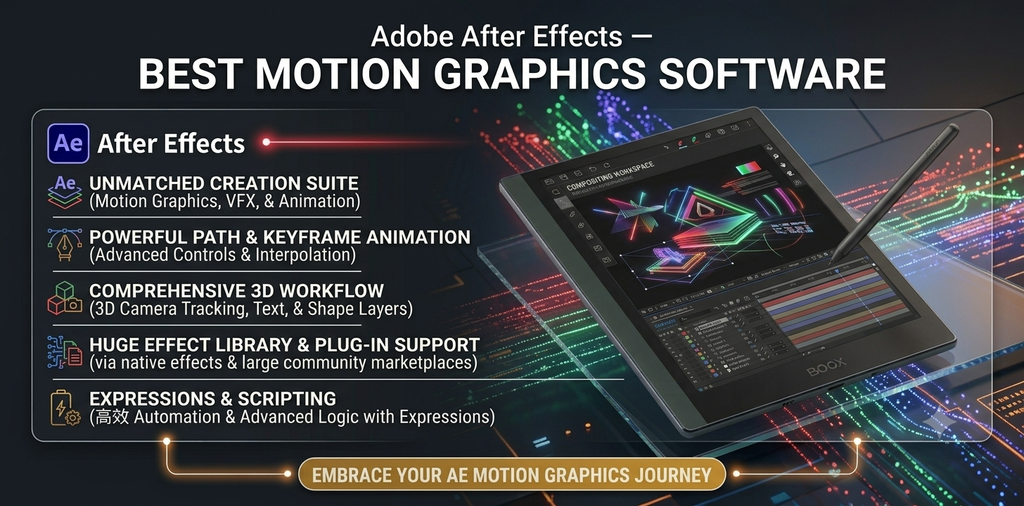
When the focus shifts from traditional character animation to motion graphics, Adobe After Effects becomes particularly useful.
After Effects is widely used for animated text, titles, transitions, visual effects, compositing, logo animation, product animations, and promotional videos.
It’s especially useful if your content involves animated graphics layered over video.
Best Features
- Text animation
- Shape animation
- Motion graphics
- Visual effects
- Compositing
- Keyframe animation
- Motion tracking
- 3D layers
- Templates and presets
- Integration with other Adobe applications
After Effects can also be used alongside video editing software such as Adobe Premiere Pro.
Is After Effects Good for Beginners?
Yes, but it has a learning curve.
Basic keyframe animation can be learned relatively quickly, but advanced motion graphics and compositing require considerably more practice.
Best For
YouTubers, video creators, designers, marketers, motion designers, and professionals creating animated promotional content.
3. Adobe Animate — Best 2D Animation Software
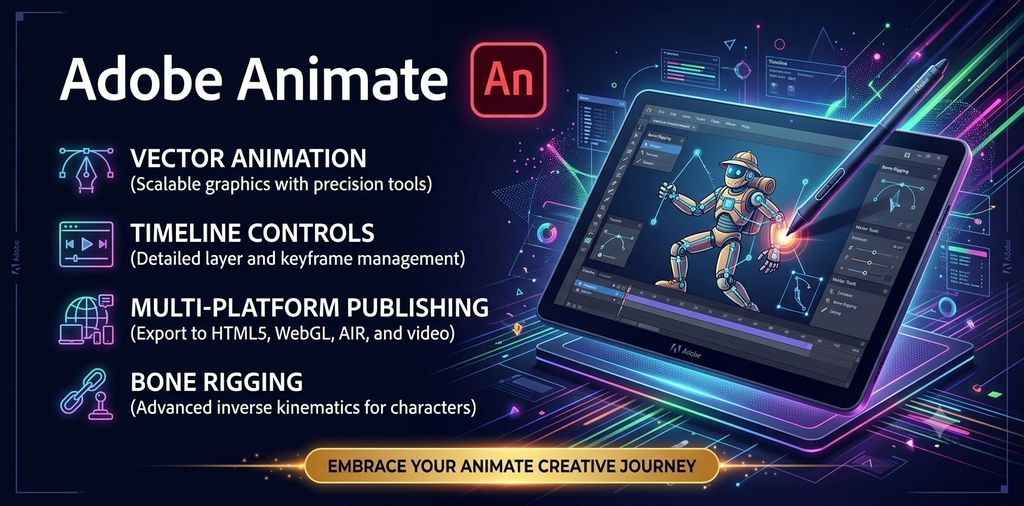
Adobe Animate is designed specifically for creating 2D animation and interactive content.
It can be useful for cartoon-style animation, character animation, educational content, web animation, and animated illustrations.
Its timeline-based workflow makes it possible to create frame-by-frame animation as well as tweened movement.
Key Features
- 2D animation
- Frame-by-frame animation
- Character animation
- Motion tweening
- Shape tweening
- Bone tools
- Vector drawing
- Audio support
- Export options
If you’re looking for tweening software, Adobe Animate is one option worth considering.
Best For
2D animators, illustrators, educators, and creators producing cartoon or vector-based animation.
4. Toon Boom Harmony — Best Professional 2D Animation Program
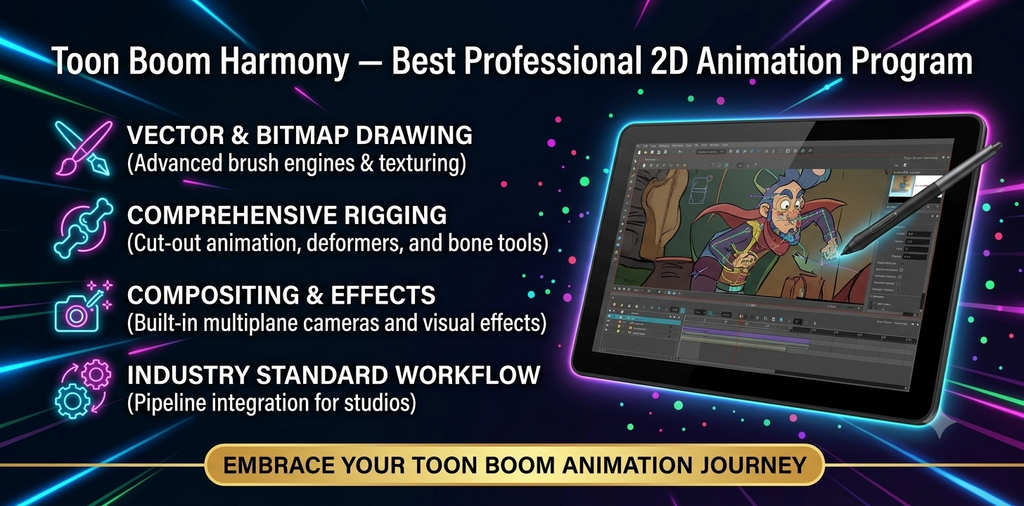
Toon Boom Harmony is aimed more toward professional animation production than casual animation creation.
It provides tools for drawing, rigging, compositing, cut-out animation, and traditional frame-by-frame workflows.
For someone researching a character animation program for professional 2D production, Harmony is worth examining.
Pros
- Professional 2D animation workflow
- Character rigging
- Traditional frame-by-frame animation
- Drawing tools
- Compositing
- Production-oriented workflow
Cons
- Higher learning curve
- More expensive than free beginner tools
- More features than casual users may need
Best For
Professional animators, animation studios, and serious 2D artists.
5. Autodesk Maya — Best Professional 3D Animation Program
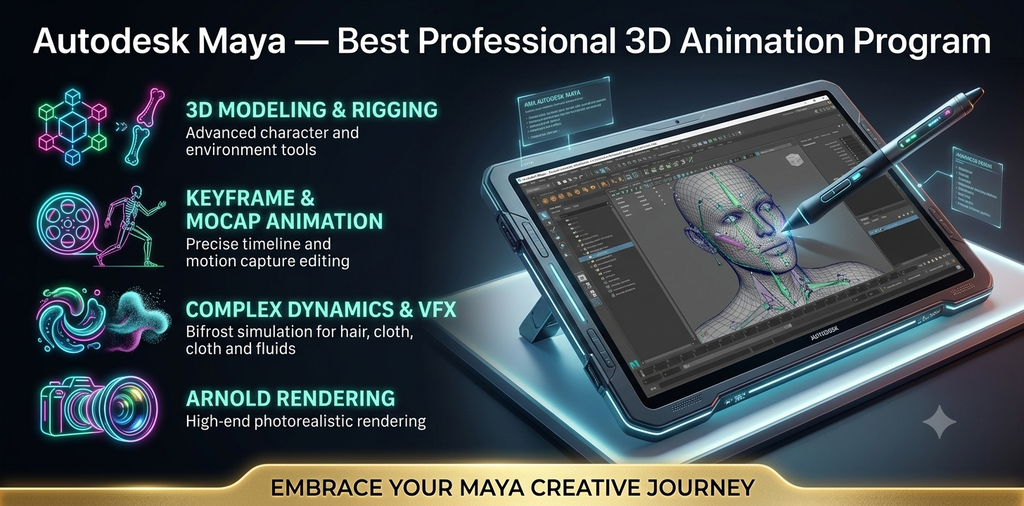
Autodesk Maya is one of the major names in professional 3D animation.
It’s designed for demanding production workflows involving modeling, rigging, animation, simulation, rendering, and visual effects.
Maya is particularly relevant if your long-term goal is professional 3D animation for film, television, games, or visual effects.
What Can You Create With Maya?
You can use Maya for:
- 3D character animation
- Animated machinery
- Product visualization
- 3D environments
- Rigging
- Simulation
- Visual effects
- Film and game assets
Is Maya Good for Beginners?
It can be learned by beginners, but it’s not what we’d call the easiest 3D animation software for beginners.
Someone completely new to 3D may prefer starting with a simpler tool before moving into Maya.
Best For
Professional 3D artists, VFX artists, game developers, and animation students.
6. Cinema 4D — Best for 3D Motion Graphics
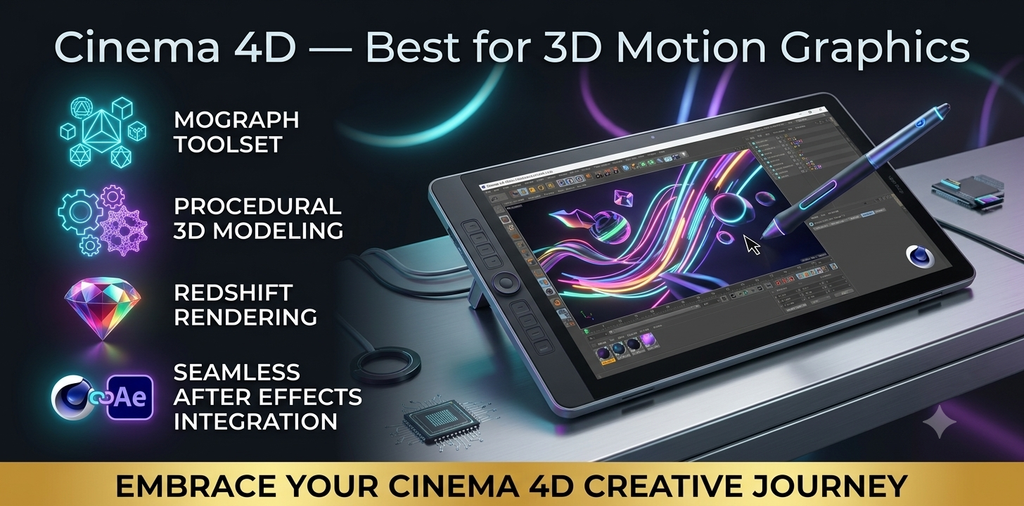
Cinema 4D has a particularly strong reputation among motion designers.
Its combination of 3D modeling, animation, rendering, and motion graphics capabilities makes it useful for animated advertisements, title sequences, product visualization, broadcast graphics, and branded content.
If you’re searching for a motion graphics program with strong 3D capabilities, Cinema 4D is worth considering.
Best For
- Motion designers
- 3D designers
- Advertising agencies
- Product visualization
- Broadcast graphics
- Animated branding
7. Canva — Best Easy Animation Maker for Beginners
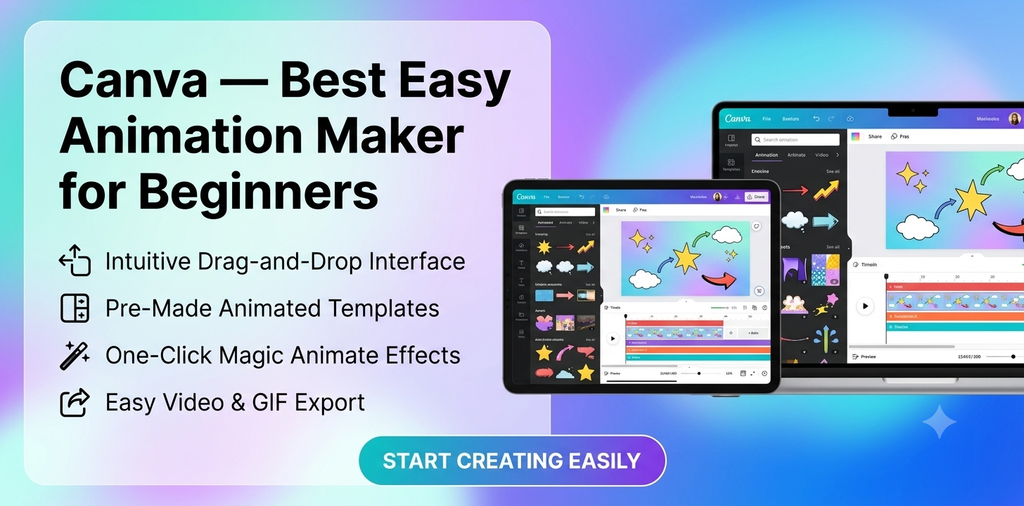
Not everyone needs professional animation software.
If you want to quickly animate social media posts, presentations, marketing graphics, advertisements, or simple videos, Canva offers a much easier workflow.
Its drag-and-drop interface makes it accessible to people without animation experience.
Why Beginners May Like Canva
- Simple interface
- Templates
- Animated text
- Animated elements
- Social media formats
- Presentation animations
- Browser-based workflow
- Mobile apps
For someone searching for good animation software for beginners, Canva can be a practical starting point.
Best For
Small businesses, marketers, bloggers, social media creators, students, and beginners.
8. Vyond — Best for Animated Business Videos
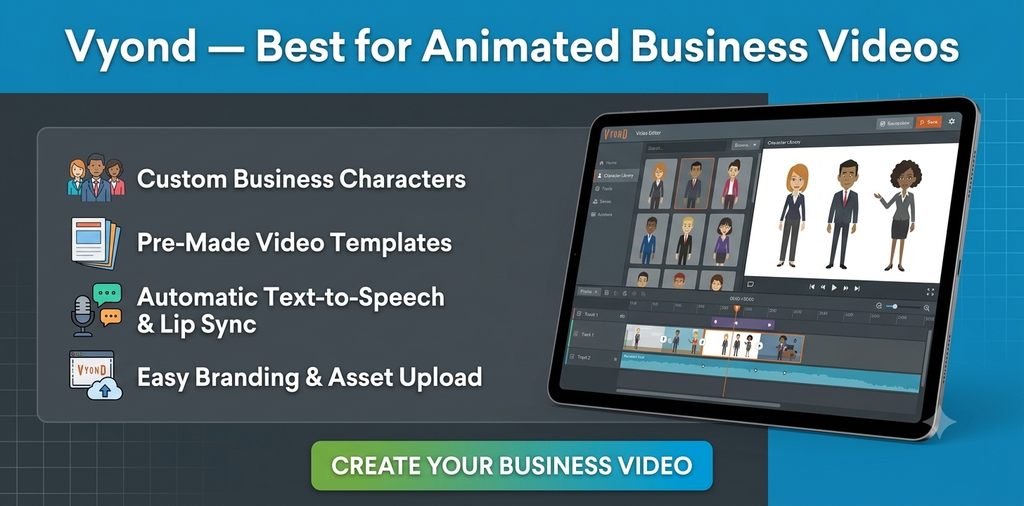
Vyond is designed around creating animated videos without requiring advanced animation skills.
Instead of drawing every frame or modeling characters in 3D, users can build scenes using templates, characters, props, backgrounds, and animations.
This makes it particularly useful for business communication.
Common Uses
- Training videos
- Explainer videos
- Internal communications
- Presentations
- Marketing videos
- Educational content
If you’re looking for an animation maker software 2026 option for business videos rather than professional film animation, Vyond is worth a look.
9. Animaker — Best Beginner Animation Maker
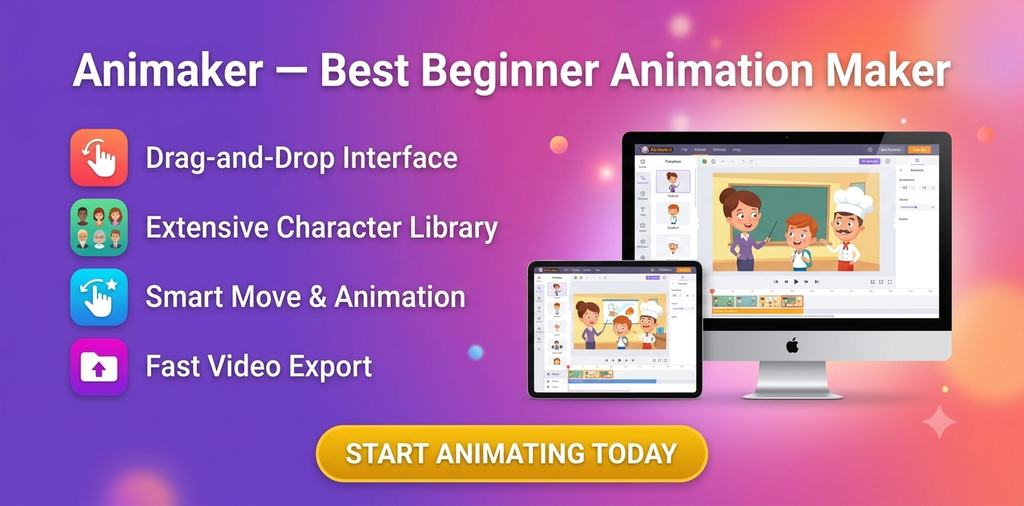
Animaker focuses on making animated video production accessible to non-professional users.
It provides templates, characters, props, backgrounds, animated text, and other tools that can be combined into videos.
The platform can be useful for people who don’t want to learn complex animation programs.
Best For
- Explainer videos
- YouTube content
- Presentations
- Marketing videos
- Social media
- Educational videos
For beginners, a browser-based animation maker can be considerably easier than learning professional 3D software.
10. Procreate Dreams — Best Animation App for iPad
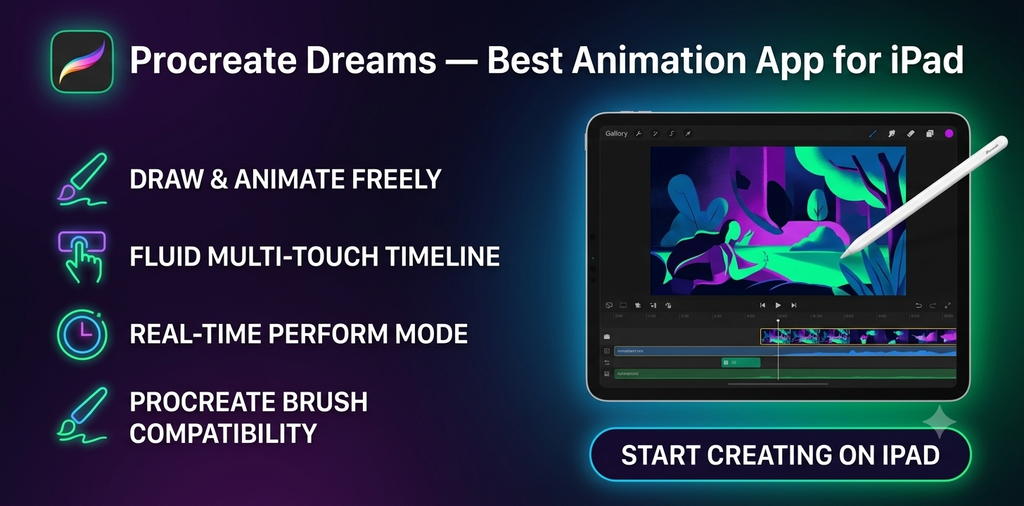
If you’re specifically searching for the best animation app for iPad, Procreate Dreams deserves attention.
It is designed around animation, drawing, compositing, and timeline-based workflows on Apple’s iPad hardware.
For artists who prefer drawing directly on a touchscreen with Apple Pencil, an iPad-focused application can provide a very different experience from desktop animation software.
Best For
Illustrators, artists, 2D animators, and iPad users.
What to Consider
An iPad animation workflow is excellent for portability, but professional desktop applications may still provide more extensive tools for complex 3D production and large studio workflows.
11. FlipaClip — Best Simple Animation App for Android and iPhone
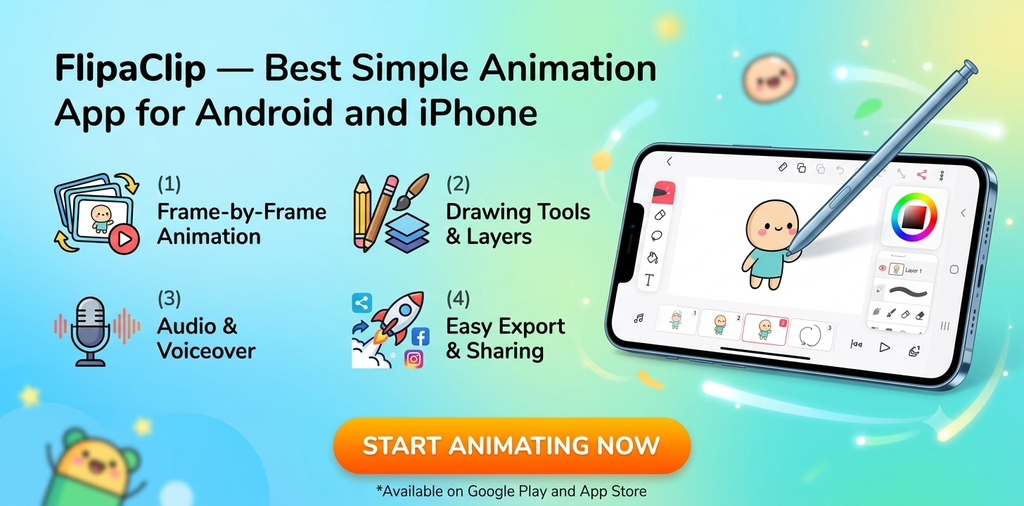
FlipaClip takes a more traditional approach to mobile animation.
It allows users to create frame-by-frame animations using a mobile device or tablet.
This makes it particularly approachable for beginners who want to learn basic animation concepts.
Best For
- Beginners
- Students
- Short cartoons
- Frame-by-frame animation
- Mobile creators
If your question is “What is the best app to animate on mobile?”, your choice should depend on whether you want frame-by-frame drawing, motion graphics, video editing, or template-based animation.
12. Moho — Best for 2D Character Animation
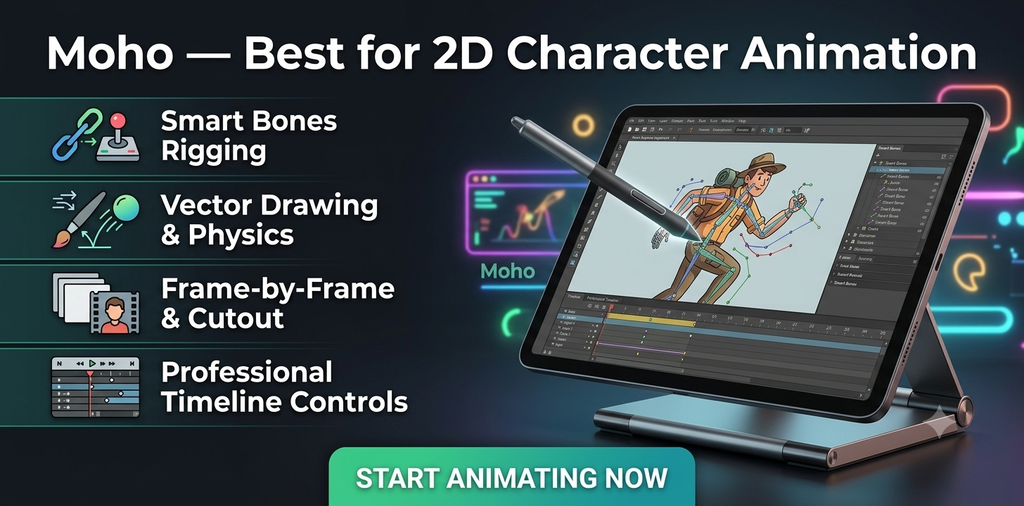
Moho is focused heavily on 2D animation and character workflows.
Its rigging system can help animators create reusable character structures rather than redrawing every movement frame by frame.
This makes it useful for creators working on recurring characters and longer animation projects.
Best For
2D character animation, independent animators, cartoon creators, and animation students.
13. DaVinci Resolve — Best Video Editing Software With Animation Features
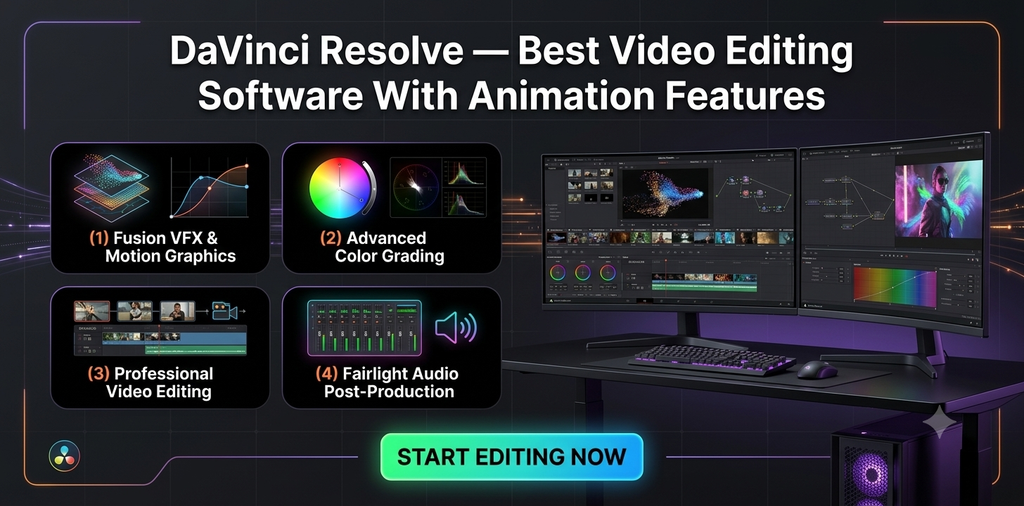
DaVinci Resolve is primarily known as professional video editing and post-production software, but it also includes powerful tools for effects, compositing, motion graphics, and animation.
Its Fusion page provides a node-based environment for visual effects and motion graphics.
This makes Resolve particularly interesting if your workflow combines video and animation production.
Best For
- Video editing
- Motion graphics
- Visual effects
- YouTube videos
- Commercial content
- Color grading
- Post-production
If you want one application that handles video editing while also providing advanced effects and animation capabilities, Resolve is worth considering.
Best Animation Software by Use Case
The right software depends heavily on what you’re trying to make.
Best 3D Animation Software
Blender is a strong option for users who want powerful 3D tools without paying for the software itself.
For professional production environments, Autodesk Maya and Cinema 4D are also worth evaluating.
Best Animation Software for Beginners
For absolute beginners, browser-based tools such as Canva, Vyond, and Animaker generally provide simpler starting points than professional 3D applications.
Best Motion Graphics Software
Adobe After Effects is particularly suited to motion graphics, compositing, animated typography, and visual effects.
Cinema 4D is another important option when 3D motion design is part of the workflow.
Best 2D Animation Software
Adobe Animate, Toon Boom Harmony, and Moho are designed around 2D animation workflows.
Best Animation App for iPad
Procreate Dreams is designed specifically for animation on iPad.
Best Animation Apps for Android
Mobile users can consider apps such as FlipaClip and other Android animation applications depending on whether they want frame-by-frame drawing or simpler video animation.
Best Free Animation Software for Beginners
Blender is one of the most capable free options, although its professional-level feature set means it isn’t necessarily the easiest program to learn.
For simple animations, free tiers of browser-based tools may be easier.
What Is the Best Software to Animate Makeup Product Images?
If you’re creating animated product images for a beauty brand, you probably don’t need a full 3D animation suite.
The ideal software depends on the effect you’re trying to achieve.
For example:
Animated product text: Adobe After Effects or Canva
Product rotation in 3D: Blender or Cinema 4D
Social media product animation: Canva
Animated product advertisement: After Effects
Simple image movement: Canva or a video editor
A makeup product can be animated by adding rotation, zooming, lighting effects, floating movement, animated text, particle effects, or transitions.
For ecommerce marketers, simpler tools can often be faster than learning an entire 3D production workflow.
What Is Tweening in Animation?
Tweening is a technique that creates the frames between two keyframes.
For example, imagine a product starts on the left side of the screen and ends on the right.
Instead of manually creating every frame, animation software can calculate the intermediate movement.
This is why tweening software is useful for motion graphics, character animation, presentations, and 2D animation.
Tweening can significantly reduce repetitive work, especially when objects follow predictable movements.
What Are Apps for Motion Graphics?
Motion graphics apps are tools used to animate graphic elements rather than create traditional hand-drawn cartoons.
Common examples include software used for:
- Animated typography
- Logo animation
- Social media graphics
- Product advertisements
- Transitions
- Infographics
- Lower thirds
- Title sequences
- Promotional videos
Adobe After Effects is one of the better-known desktop options, while simpler applications can be more appropriate for beginners and social media creators.
Can You Use Video Editing Software for Animation?
Yes.
Some video editing programs include animation and motion graphics features.
For example, editors can use keyframes to animate:
- Position
- Scale
- Rotation
- Opacity
- Effects
- Text
- Transitions
However, video editing software and dedicated animation software aren’t exactly the same.
A video editor is primarily designed to assemble and edit footage, whereas animation software is built around creating movement from drawings, objects, characters, or 3D scenes.
If animation is the main purpose of your project, dedicated animation software may offer a better workflow.
What Computers Are Good for Animation?
Your computer requirements depend on the type of animation you want to create.
A basic 2D animation project doesn’t necessarily require an expensive workstation.
3D animation is different.
Professional 3D applications can benefit from:
- A powerful multi-core CPU
- Dedicated GPU
- Plenty of RAM
- Fast SSD storage
- High-resolution monitor
- Good cooling
- Drawing tablet for certain workflows
If you’re purchasing a computer specifically for animation, pay particular attention to GPU performance, RAM, processor performance, and storage.
For professional 3D work, upgrading the GPU can have a much larger impact than simply buying a computer with a large amount of storage.
Are AI Animation Tools Worth Using in 2026?
AI animation tools have become increasingly useful for generating ideas, creating visual assets, animating images, and speeding up parts of the production workflow.
However, AI tools don’t necessarily replace traditional animation software.
A creator might use AI to generate an initial asset and then use conventional software for:
- Editing
- Timing
- Compositing
- Character movement
- Sound
- Color correction
- Final production
The most useful AI animation workflow may therefore involve combining AI-assisted tools with established animation and video software.
How We Evaluated the Animation Software
We looked at several factors when comparing these tools.
Ease of Use
How quickly can a new user understand the interface and produce a basic animation?
Animation Features
Does the software support keyframes, tweening, rigging, frame-by-frame animation, 3D animation, or motion graphics?
Video Editing
Some creators need animation and video editing in the same application.
Platform Support
We considered whether the software works on Windows, Mac, Linux, iPad, Android, or through a web browser.
Learning Curve
Professional software can offer substantially more control but often takes longer to learn.
Pricing and Value
For affiliate buyers, price is an important consideration. A professional application may be worthwhile for someone earning money from animation but unnecessary for a casual creator.
How to Choose the Right Animation Software
Before purchasing anything, answer these questions.
1. Are You Making 2D or 3D Animation?
This is the first major decision.
For 2D animation, consider tools such as Adobe Animate, Toon Boom Harmony, or Moho.
For 3D animation, look at Blender, Maya, or Cinema 4D.
2. Are You a Beginner?
If you’re new to animation, don’t automatically choose the software with the largest feature list.
A simpler application can help you learn fundamental concepts such as:
- Keyframes
- Timing
- Easing
- Layers
- Frames
- Transitions
- Composition
Once you understand these concepts, moving to more advanced software becomes easier.
3. Do You Need Video Editing?
If you regularly create YouTube videos, advertisements, or social media content, animation and video editing may need to work together.
In that case, consider an application that supports both workflows or use complementary programs.
4. Do You Work on an iPad?
If portability and drawing are priorities, iPad animation apps can make sense.
An iPad can be especially convenient for frame-by-frame drawing and illustration-based animation.
5. Do You Need Professional 3D Animation?
If you’re planning to work in film, games, VFX, or professional 3D production, consider learning an industry-oriented application rather than choosing solely based on simplicity.
Animation Software vs Animation Apps
Desktop software generally provides more advanced capabilities, while mobile applications prioritize portability and simplicity.
| Feature | Desktop Software | Mobile Apps |
| Complex 3D animation | Excellent | Limited |
| Professional workflows | Excellent | Limited |
| Frame-by-frame animation | Excellent | Good |
| Portability | Limited | Excellent |
| Beginner accessibility | Varies | Usually easier |
| Advanced compositing | Excellent | Limited |
| Social media content | Excellent | Excellent |
Neither category is automatically better.
The best option depends on the project.
Final Verdict: Which Animation Software Should You Buy?
The answer depends on your workflow rather than one universal winner.
If you’re learning 3D animation, Blender provides a powerful starting point.
If your focus is motion graphics, After Effects is designed specifically around that type of work.
If you want professional 2D animation, Toon Boom Harmony is worth researching.
For 3D professional production, Maya and Cinema 4D are established options.
For beginners who want to create animated videos without learning complex software, Canva, Vyond, and Animaker offer simpler workflows.
And if you’re looking for animation on an iPad, Procreate Dreams provides a dedicated animation experience.
Before buying, check the current pricing, supported operating system, hardware requirements, export limitations, and available trial or free plan. Software pricing and features can change, so the official product page should be your final reference before purchasing.
Frequently Asked Questions
What is the best animation software in 2026?
The best software depends on the type of animation you’re creating. Blender is a powerful choice for 3D animation, After Effects is designed for motion graphics, Adobe Animate and Toon Boom Harmony focus on 2D animation, and simpler tools such as Canva are more accessible to beginners.
What is the best animation software for beginners in 2026?
Beginners who want simple animated videos can start with Canva, Vyond, or Animaker. Users who want to learn professional 3D animation can start with Blender, although its learning curve is higher.
What is the best free animation software?
Blender is one of the most capable free animation programs available and supports 3D modeling, animation, rendering, compositing, and other creative workflows.
What is the best 3D animation software for beginners?
Blender is a practical starting point because it provides extensive 3D animation capabilities without requiring a software license fee. However, beginners should expect to spend time learning the interface and workflow.
What is the best animation app for iPad?
Procreate Dreams is specifically designed for animation on iPad. The best choice also depends on whether your priority is drawing, frame-by-frame animation, motion graphics, or video editing.
What are good animation apps for Android?
Android users can explore mobile animation apps such as FlipaClip. The right app depends on whether you want traditional frame-by-frame animation, simple animated content, or video editing.
Can animation software also edit video?
Some animation applications include video editing capabilities, while dedicated video editors increasingly include animation and motion graphics tools. DaVinci Resolve is an example of a video editor with advanced effects and compositing capabilities.
What software is best for motion graphics?
Adobe After Effects is specifically designed for motion graphics, compositing, animation, and visual effects. Cinema 4D is another option for creators who need 3D motion design.
What is tweening software?
Tweening software automatically generates intermediate frames between keyframes. This allows animators to create smooth movement without manually drawing every frame.
Can I animate product images for ecommerce?
Yes. Product images can be animated using tools such as Canva, After Effects, Blender, or Cinema 4D. The best option depends on whether you need simple movement, animated text, 2D effects, or a complete 3D product animation.
Do I need an expensive computer for animation?
Not always. Simple 2D animation and browser-based animation tools can run on relatively modest hardware. Complex 3D animation, simulation, and rendering benefit from a stronger CPU, dedicated GPU, more RAM, and fast storage.
Are AI animation tools replacing traditional animation software?
AI tools can automate or accelerate parts of the creative process, but traditional animation software remains useful for precise editing, compositing, timing, rigging, video production, and final output.
The Bottom Line
The animation software market in 2026 includes everything from simple browser-based animation makers to professional 3D production suites.
The important thing isn’t finding software with the most features. It’s finding a tool that matches what you want to create, your experience level, your computer, and your budget.
For beginners, start simple and learn the fundamentals. For professional animation, invest time in learning a production-grade workflow. And if you’re creating commercial or affiliate content, compare the software’s licensing, export options, commercial-use terms, and current pricing before committing.
